Text to 911
911: Call if you can, text if you can’t.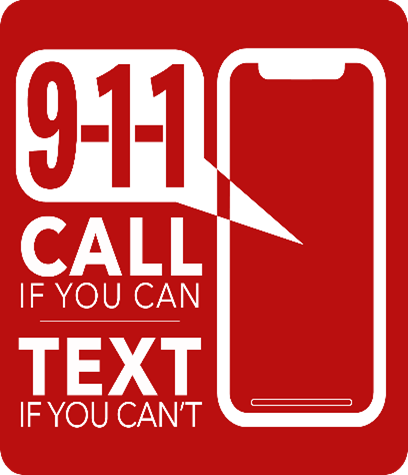
The Village of Itasca’s Public Safety Answering Point (PSAP) accepts emergency texts to 911 from individuals who need immediate assistance but can’t talk to a 911 dispatcher. Anyone in the Village of Itasca’s jurisdiction whose cell phone uses Verizon, AT&T or T-Mobile’s networks can text their exact location and the nature of their emergency to 911, and a dispatcher will respond.
It is still preferred that citizens call-to-911 if possible, as it is faster and more reliable.
Using Text to 911 in an emergency might be helpful for individuals needing emergency assistance who are deaf, hard of hearing, or have a speech disability, or are suffering a medical emergency that has rendered them unable to speak. It can also be used in situations where it is not safe to place a voice call to 911.
However, if citizens can make a voice call to 911 and it is safe to do so, that is the preferred method of reaching the Village of Itasca’s PSAP. Voice calls are usually the fastest, most efficient way to reach emergency help.
If there is an emergency and you are unable to make a voice call, follow these steps to text 911:
- Know your location – Type your exact location as soon as possible.
- Text what you need – Text what emergency help is needed: police, fire, and/or emergency medical.
- Be clear – Send a short message without abbreviations, slang, emojis, photos or video attachments.
- Stay calm – Answer questions and follow instructions from the 911 call taker.
Please remember that texting 911 is for emergencies only. Misuse of the service, similar to making a fake 911 call, is against the law.